Virtual try-on: see outfits on a real person
Try clothes on a photo
Try Virtual try-on8 credits per photo
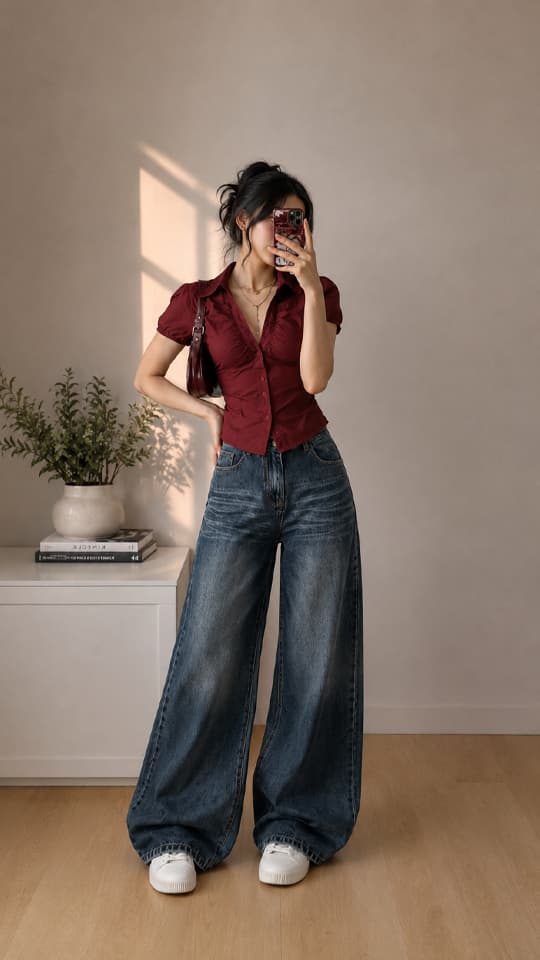
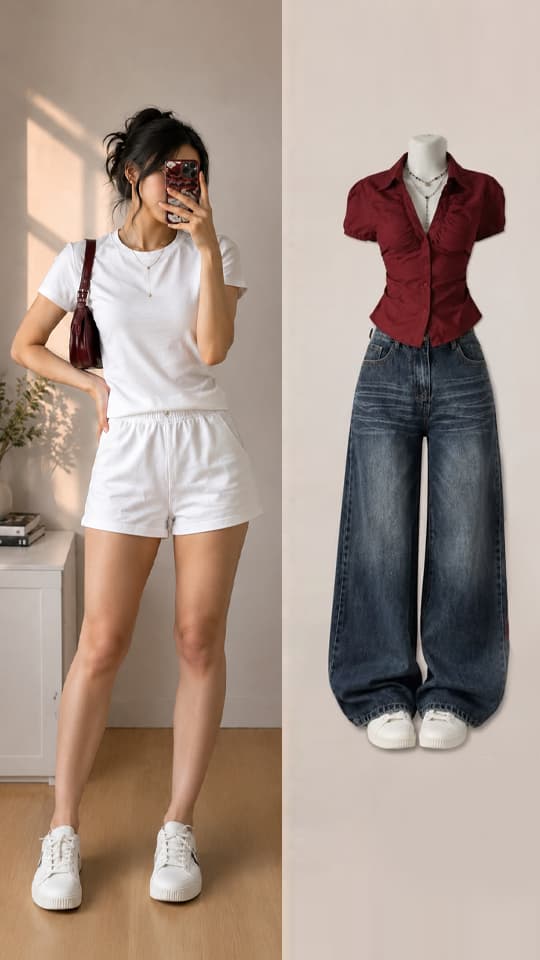
What you get
Real fit
The garment follows the pose, body shape and folds of the fabric.
Any garment photo works
Use a product shot, a flat lay or a photo of someone wearing it.
Styling notes
Describe details like “sleeves rolled up” or “shirt tucked in”.
How to use Virtual try-on
- 1
Add a photo
Drop, paste or pick a photo in Lumora Studio.
- 2
Adjust if you like
The defaults work well. Change options or add a short description.
- 3
Get the result
Compare before and after, then download or keep it in your library.
Virtual try-on FAQ
What kind of photos work best?
A clear, front-facing photo of the person and a flat or worn photo of the garment.
Can I use it for my online store?
Yes. Show the same garment on different models without new photo shoots.
More tools

 EnhanceSharpen & upscaleFrom 6 creditsLearn more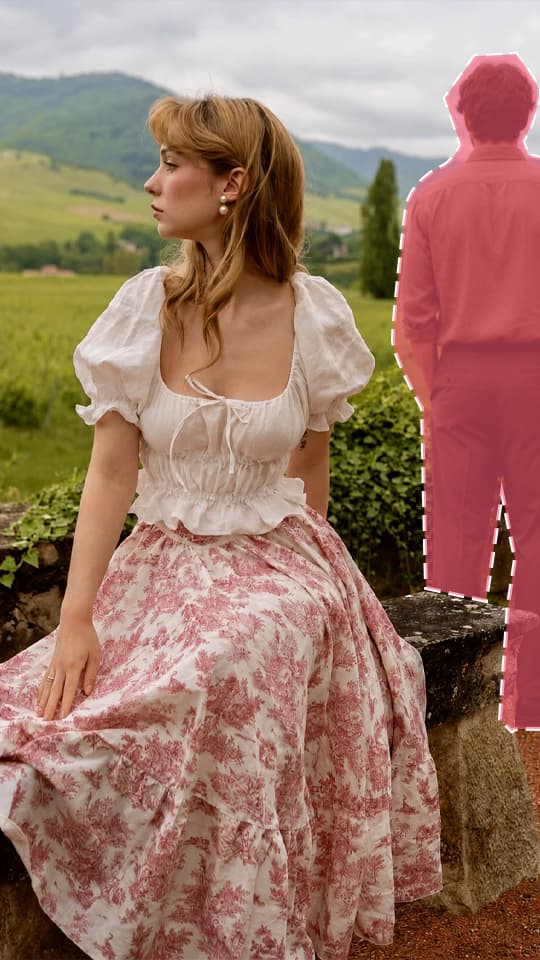
 Remove objectErase unwanted objectsFrom 7 creditsLearn more
 Add objectPlace an object into the photo or merge multiple images into oneFrom 8 creditsLearn more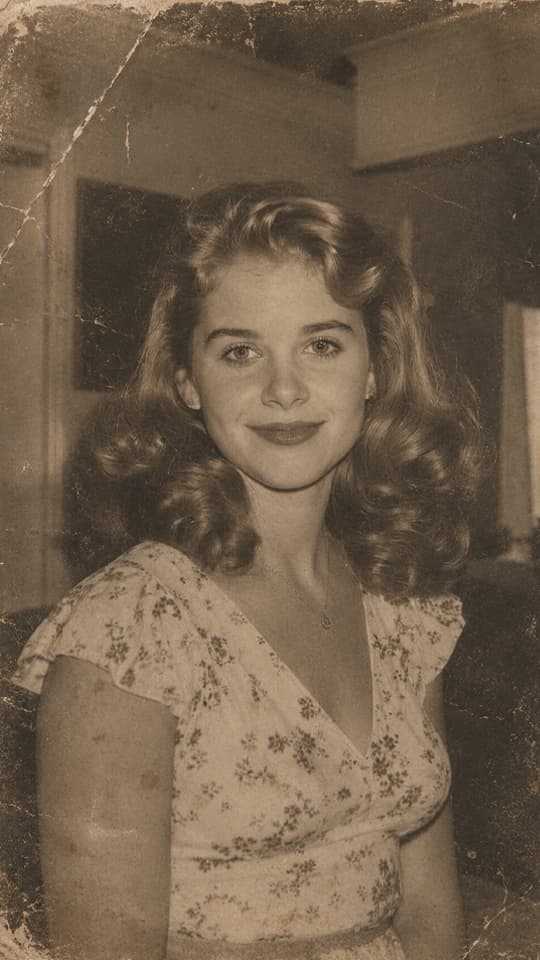
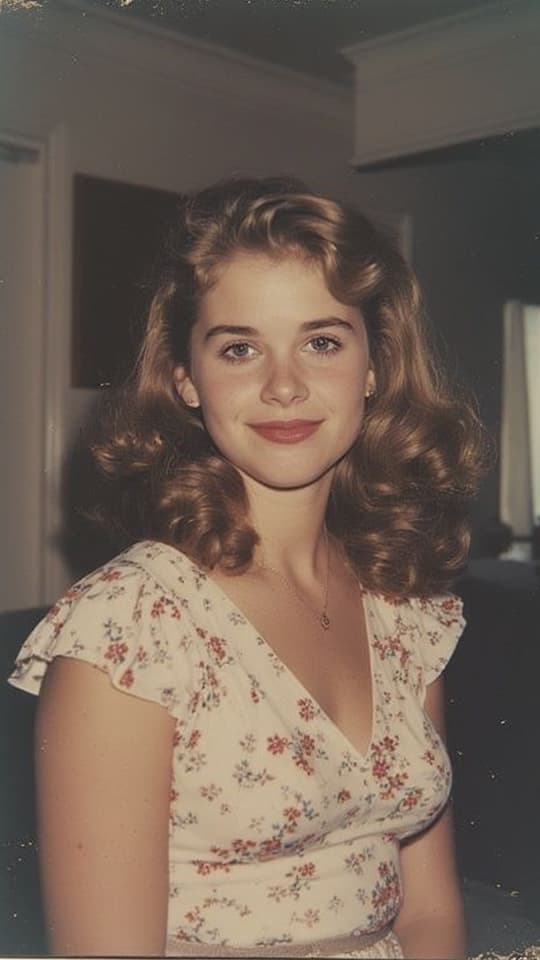 Restore imageRepair and restore damaged or old imagesFrom 6 creditsLearn more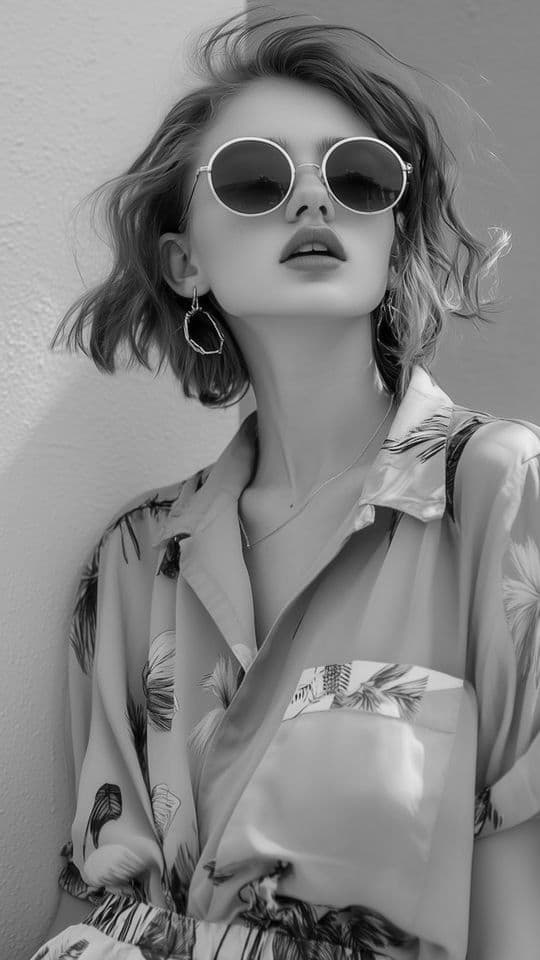
 Colorize imageChange colors images or add color to black and white photosFrom 6 creditsLearn more
 Replace objectSwap a person, an animal or an object in the photo for another oneFrom 6 creditsLearn more
 Image to videoTurn an image into a short videoFrom 30 creditsLearn more
Your next favorite photo is one click away
Try clothes on a photo